
Crate
Dig deeper.
Self-hosted music manager for collectors. Watch artists, hunt for the best quality, and build your library — automatically.
Dig deeper.
Self-hosted music manager for collectors. Watch artists, hunt for the best quality, and build your library — automatically.
Features
Everything you need to build and maintain your music library, running on your own hardware.
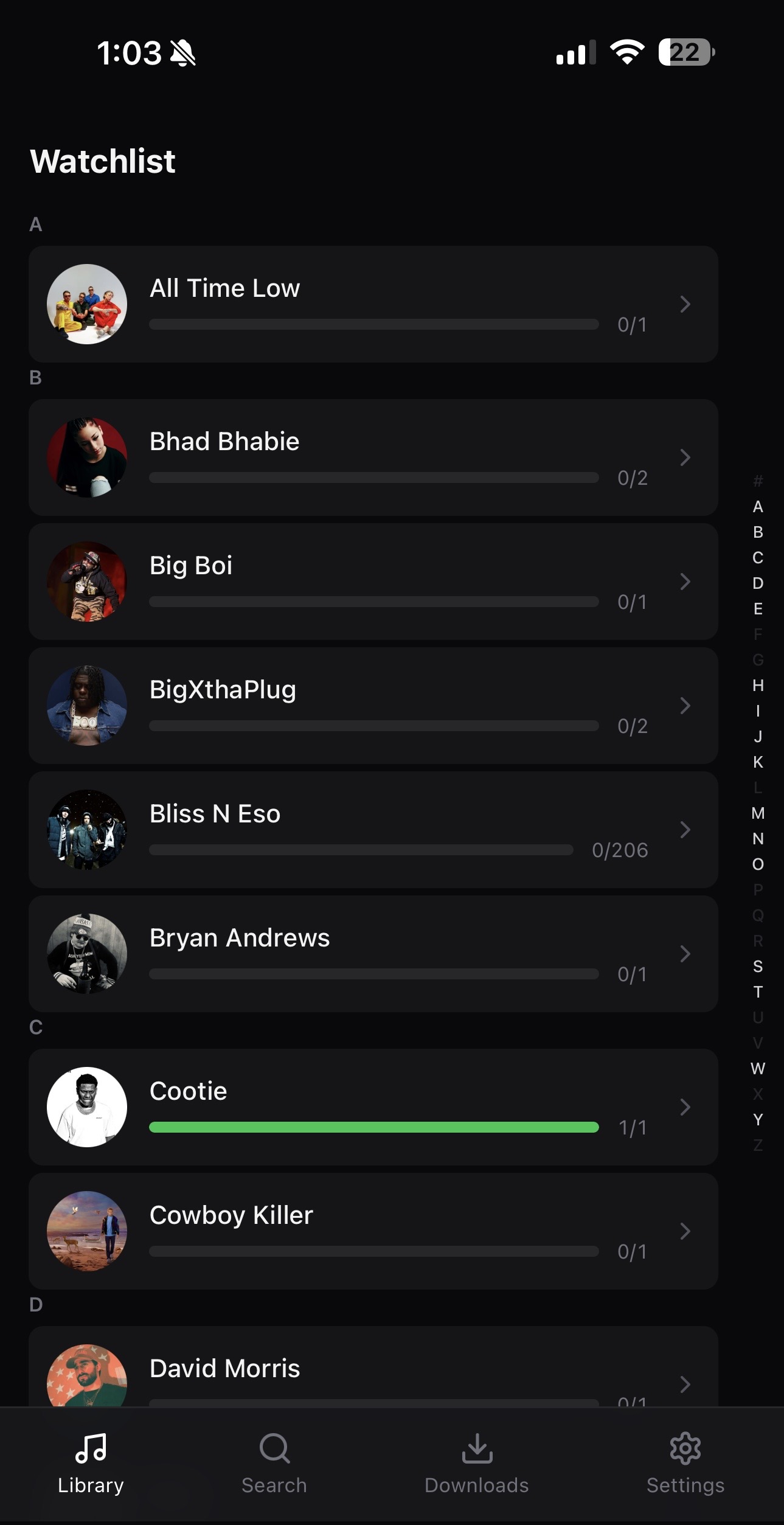
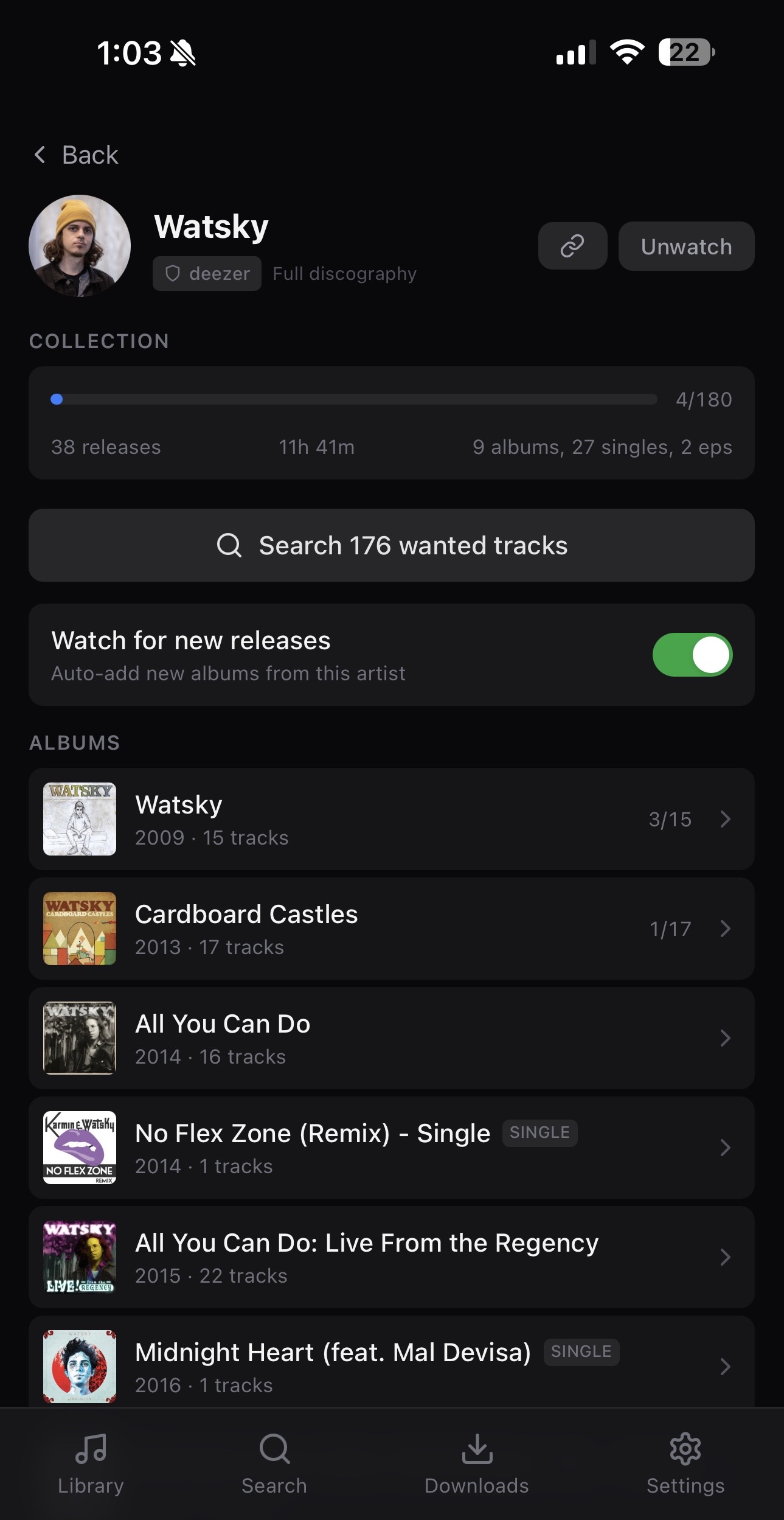
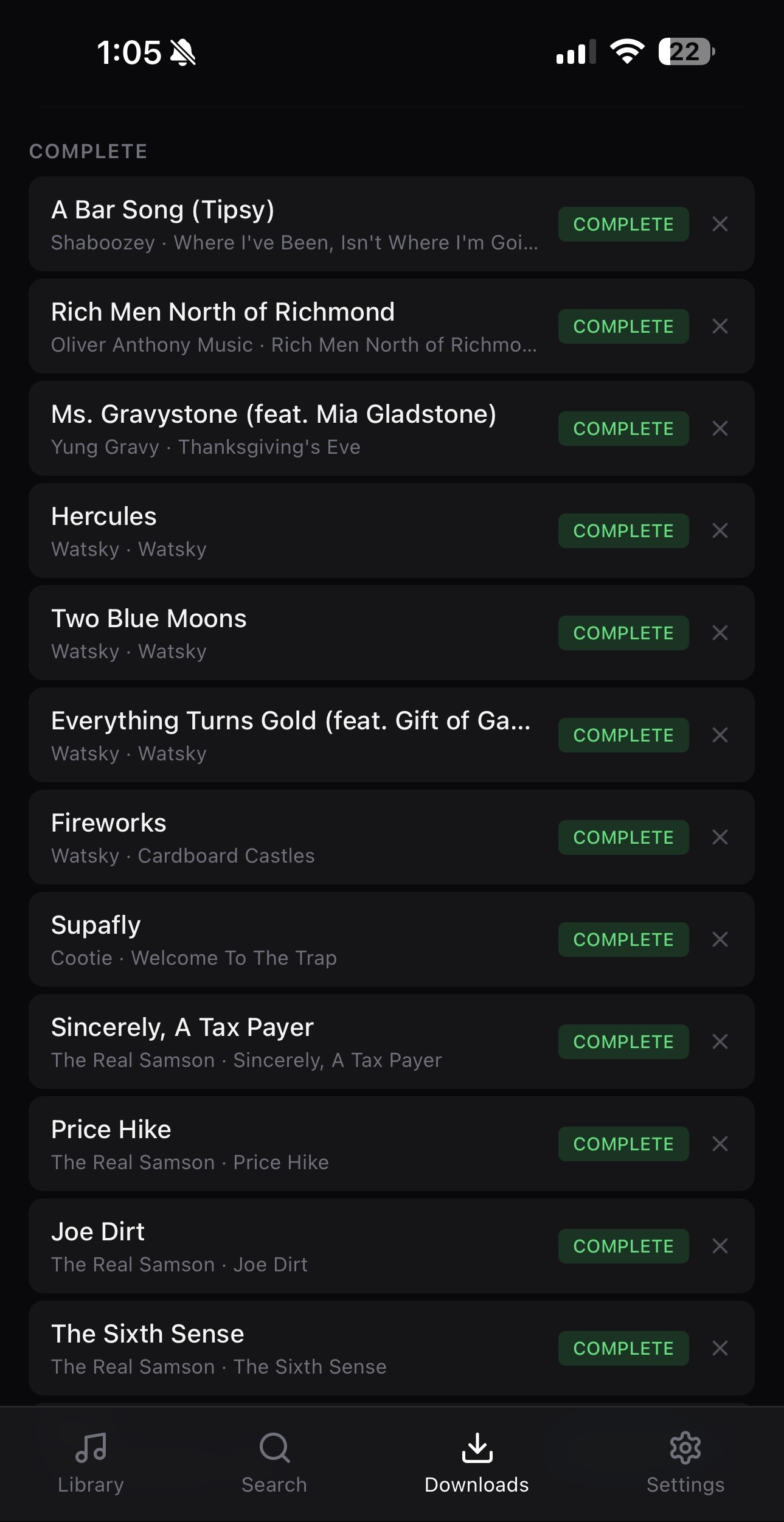
Save artists, albums, or individual tracks. Full discography tracking with opt-in new release detection — never miss a drop.
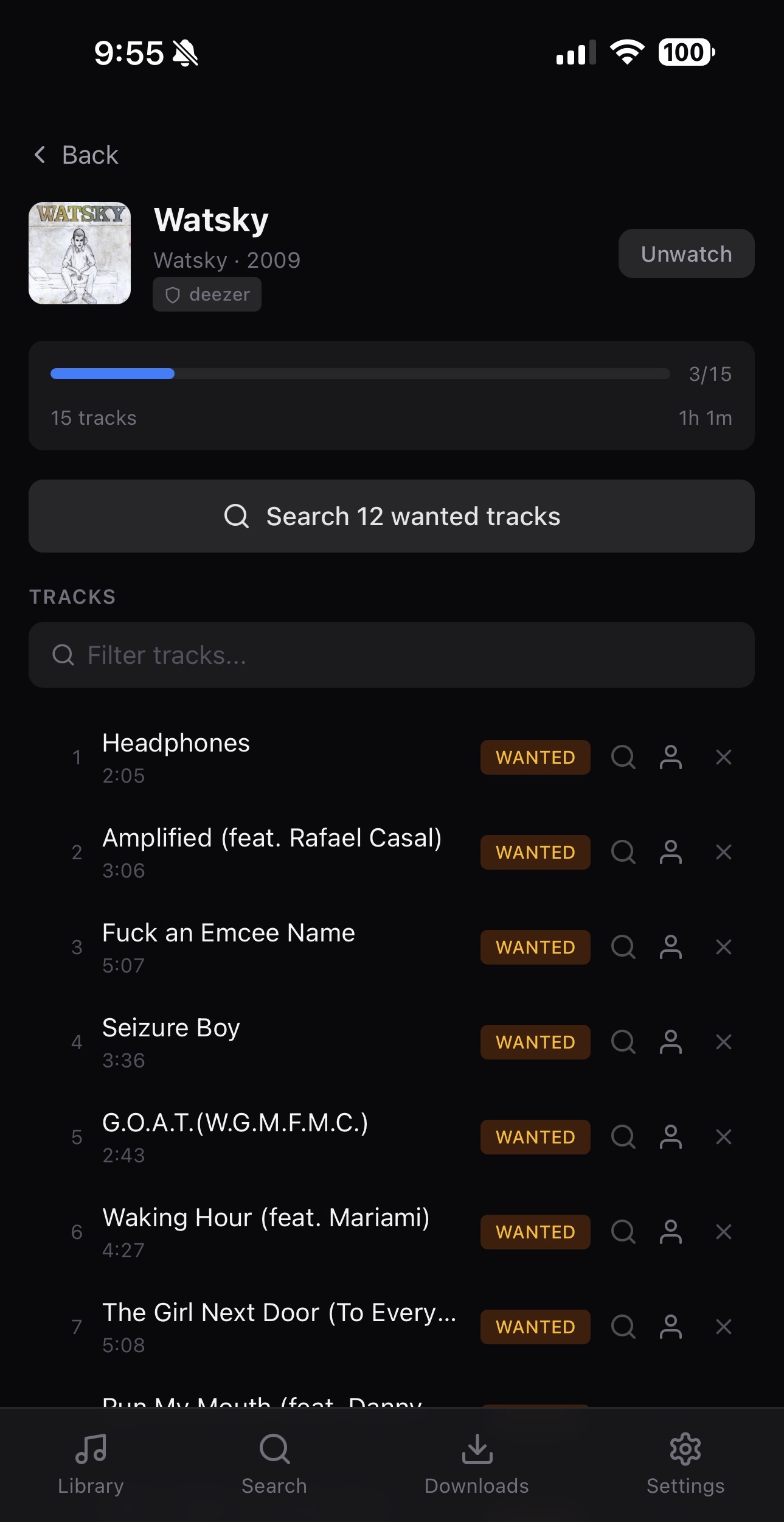
Smart scoring ranks every result by quality tier, artist match, upload slot availability, and queue depth. Stale downloads are detected automatically. Bad sources get shadow banned. Retries with backoff.
Files organized into your library with a configurable naming template, tagged with full metadata and cover art. Import an existing collection straight from its tags. Optional Navidrome and Music Assistant integrations so new music streams immediately — and mark a track bad right from the Music Assistant app.
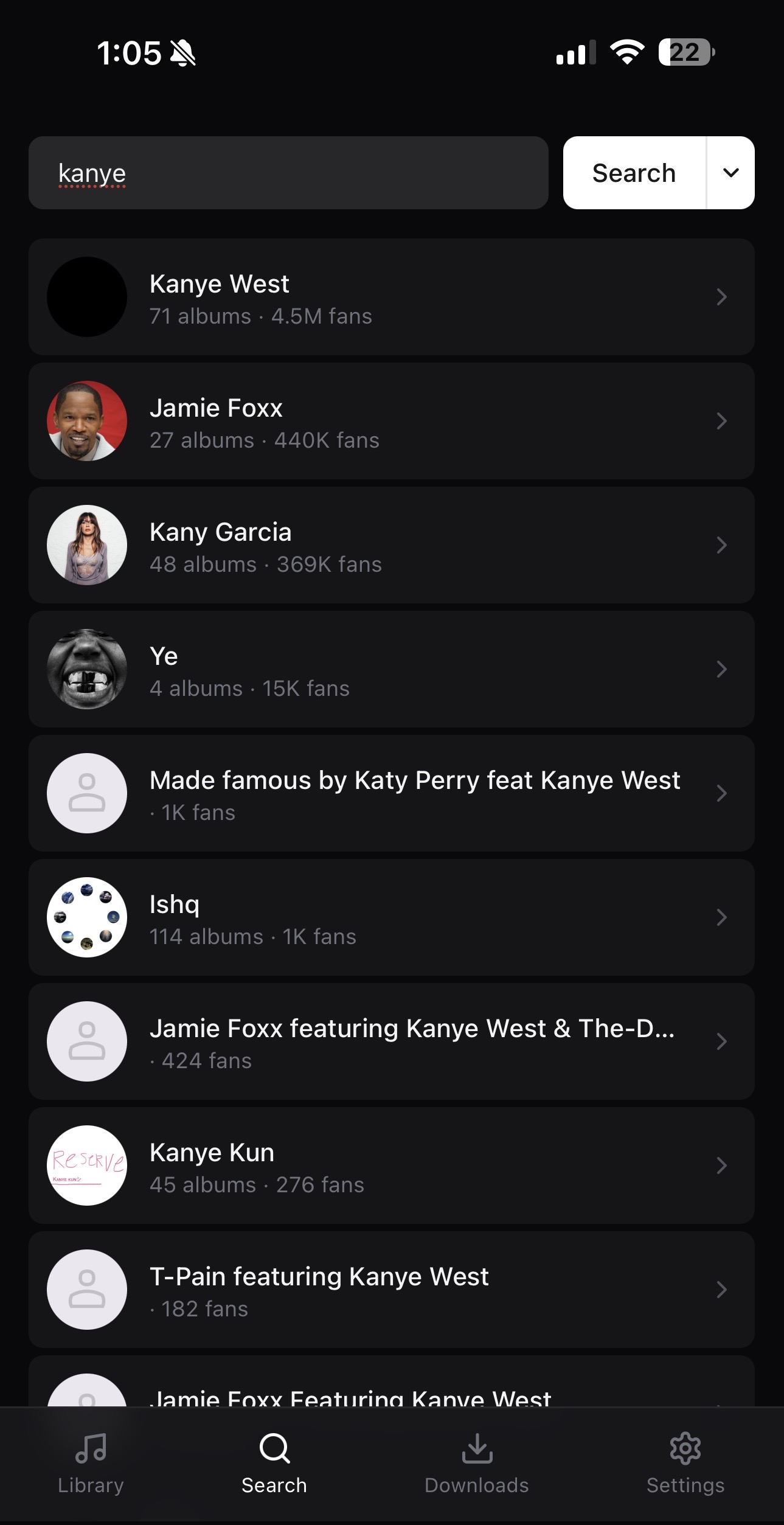
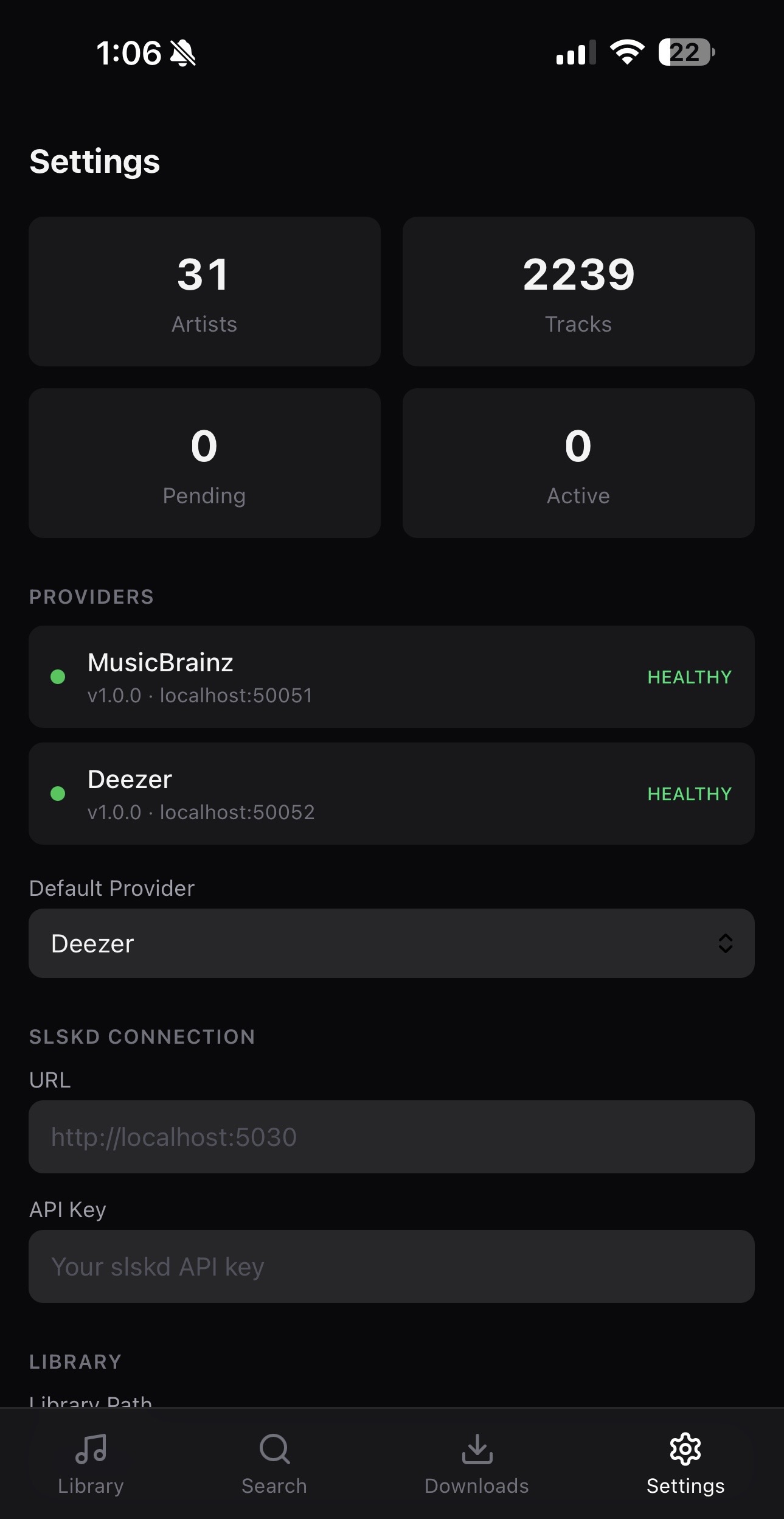
Search via MusicBrainz, Deezer, or bring your own gRPC provider. Switch on the fly, relink entities between providers anytime.
Priority-ordered quality tiers. The scheduler scans your library daily and re-queues tracks that can be upgraded to a better format.
Single Docker container, SQLite database, no external dependencies. Your data stays on your hardware. Put auth in front however you like.
How it works
Find any artist via MusicBrainz, Deezer, or your own provider. Browse their full discography.
Add artists, albums, or tracks to your watchlist. Crate tracks their complete discography.
Crate searches Soulseek, downloads the best quality, organizes and tags files automatically.
Works with
Quick Start
One docker-compose file is all you need.
# docker-compose.yml
services:
  crate:
    image: ghcr.io/theoutdoorprogrammer/crate:latest
    ports:
      - "6969:6969"
    volumes:
      - ./crate:/app/data             # SQLite databases
      - ./slskd/downloads:/app/downloads  # Must match slskd's download dir
      - ./library:/app/library       # Organized music library
    environment:
      - CRATE_SLSKD_URL=http://slskd:5030
      - CRATE_SLSKD_API_KEY=your_api_key
    depends_on:
      - slskd
    restart: unless-stopped

  slskd:
    image: slskd/slskd:latest
    ports:
      - "5030:5030"
    volumes:
      - ./slskd:/app                  # slskd data (config, downloads)
      - ./library:/music             # Share your library on Soulseek
    environment:
      - SLSKD_REMOTE_CONFIGURATION=true
      - SLSKD_API_KEY=your_api_key
      - SLSKD_SOULSEEK_USERNAME=your_username
      - SLSKD_SOULSEEK_PASSWORD=your_password
    restart: unless-stopped
Then run:
Open http://localhost:6969